Hydbond Help Center

Got a question?

We are here to answer! Search below or browse by topic.

Beginner Tips

To maintain a flat surface on your laser bed, you CAN remove the paper transfer before engraving. If you decide to do this, ensure that you wipe the glue side with a damp microfiber towel before pressing your patch to remove any dust or debris contamination.

Make sure to grab a heat resistant silicone or foam pad. You will use these a lot. Place it over your patch right before you press to avoid scorching & patch contamination.

Hat Press Settings

DUAL HEAT HAT PRESSES

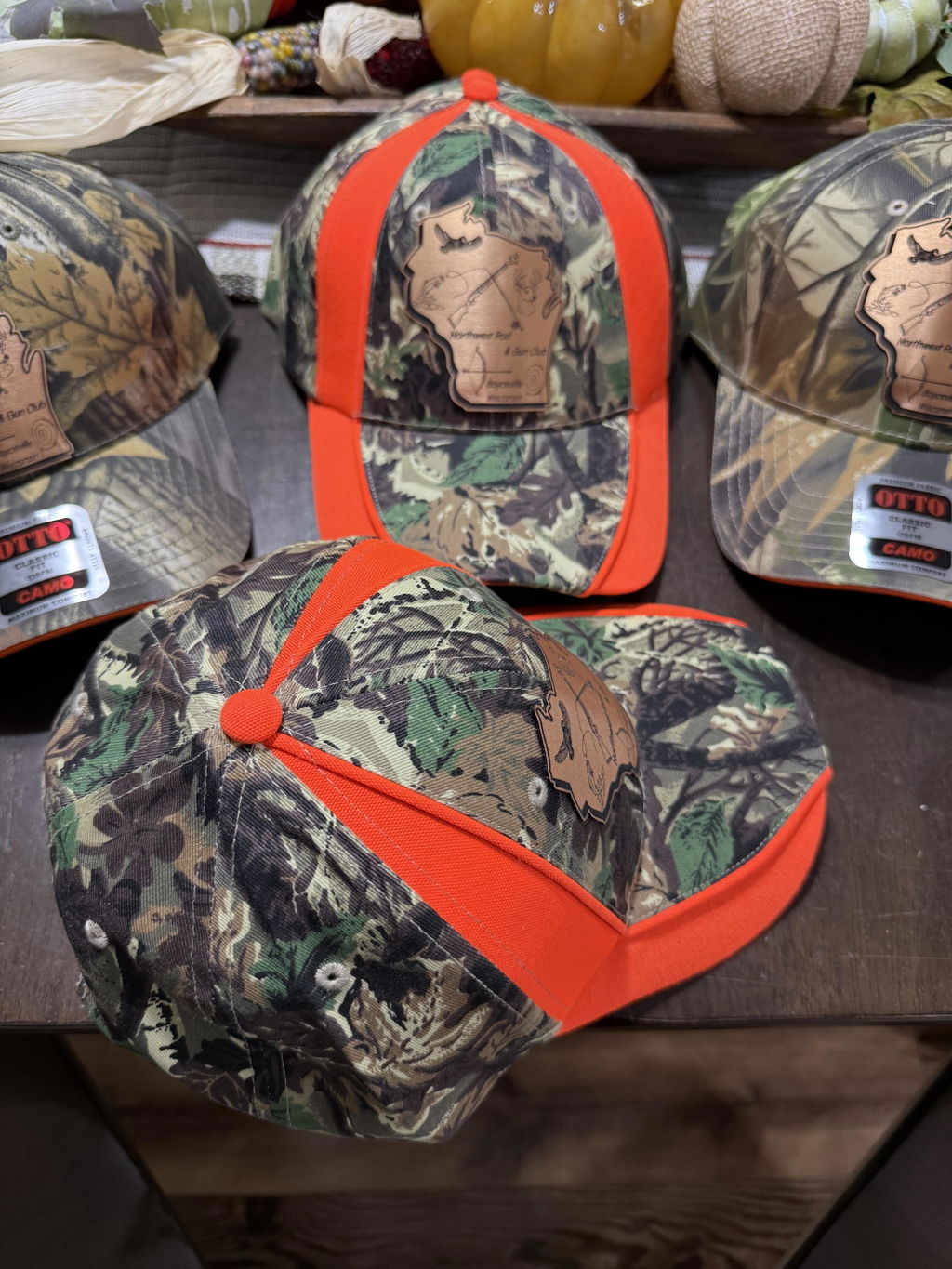
To achieve optimal results, make sure the bottom platen is set to 320°F and the top platen is set to 280°F. The pressure should be moderate between 5-7 when using a Hotronix 360. Press for 35 seconds. Note: Apply downward pressure on your leatherette patch for a few seconds to help hold it in place before pressing. This will minimize the chance for patch movement during the press.

SINGLE HEAT HAT PRESSES
For users with a hat press that is only heated from the top, we have the perfect settings for you!

1. Set your hat press to 300°F.

2. Pre-Press your hat for 25-30 seconds.

3. Place your patch on the hat immediately after the pre-press & apply enough pressure for the patch to stay in place while the hat is hot.

Press again at the same temperature for 30-35 seconds.

Cricut Hat Press

300°F for 50 seconds while applying medium pressure.

Note:

Remember to place a heat-resistant pad between your iron and the patch to prevent any burning or scorching.

Household Iron

When applying the patch, use a moderate to high heat setting and apply mild pressure while moving around the patch for 30 to 45 seconds.

For dual heat press machines, no pre-press is required. Start by positioning your PVC patch (adhesive side down) onto the hat and hold it in place for 5–10 seconds until it begins to stick. Place a 1/8" foam pad over the patch. Set your bottom platen to 320°F and your top platen to 280°F. Apply medium pressure (5–6) and press for a minimum of 40 seconds to achieve consistent, high-quality results.

For top-heated hat presses (single heat source), set your press to 300°F. Begin with a 15-second pre-press on the hat to prepare the surface. Position the patch and hold it in place for 3–5 seconds until it sticks. Then place a 1/16" foam pad over the patch to allow for better heat transfer. Finish by pressing for 35–40 seconds to fully adhere the patch.

Following these settings will help ensure a strong bond and a clean, professional finish every time.

DUAL HEAT HAT PRESSES

To achieve optimal results, make sure the bottom platen is set to 320°F and the top platen is set to 280°F.

The pressure should be moderate between 5-7 when using a Hotronix 360.

Press for 45 seconds.

Note: Apply downward pressure on your leather patch for a few seconds to help hold it in place before pressing. This will minimize the chance for patch movement during the press.

Hydbond Leatherette Specifications

SIZE:

12" x 24" per panel

THICKNESS:

Approximately 1.45mm

BACKING:

These Leatherette sheets come pre-applied with our industry leading Hydbond adhesive.

(Heat activated adhesive)

Prior to applying this material to your garment, ensure that you have removed the white paper transfer.

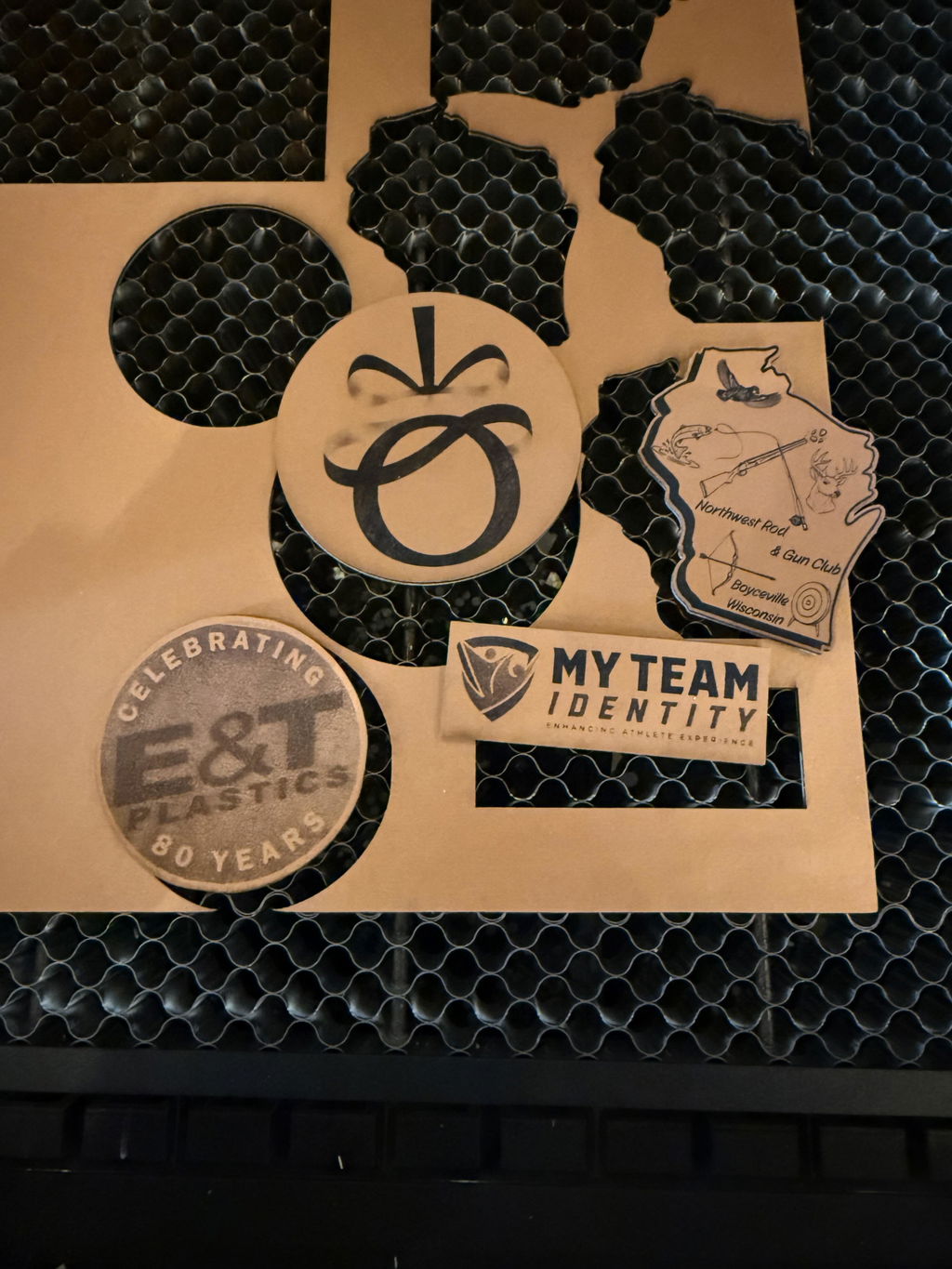
You CAN remove the white paper transfer before or after you laser engrave & cut your patches.

Note: Non-tacky until heated

TEXTURE:

Real leather duplicated to achieve a heightened sense of authenticity.

MATERIAL:

Non-toxic faux leather designed & manufactured specifically for laser engraving

LAYERS:

The surface layer is composed of the color of the leather you perceive, reinforced by a specific fabric to increase its thickness.

When engraving, the color beneath will be revealed.

The durable gray backing material used in our leatherette provides long-lasting support.

Note:

Rawhide/black will laser black

Black/Silver will laser silver

Leatherette Cleaning

Hydbond Leatherette should be cleaned with a product called LA AWESOME.

LA AWESOME, a non-toxic degreaser is the perfect choice for those seeking an effective solution for business or home use.

To ensure optimal results and preserve the quality of your engravings, begin by spraying a small quantity on a microfiber cloth and softly wiping the leatherette surface to eliminate any char or residue caused by the burning of your laser. You can repeat this process until most, if not all char is removed.

Note: During this process, it is essential to maintain a slight and uniform pressure.

Metallic Leatherette

Working with our Metallic Leatherette (Black/Silver, Blue/Silver, Rustic/Gold, White/Gold, Etc.)

Metallics can be hard to work with your first time, but trust me. It's all in the Laser settings! It takes VERY little power in order to reveal the metallic color underneath so keep that in mind when you are trying to dial in your settings. Also, ensure your focus is spot on. It's essential to keep your leatherette as flat as possible while engraving. Any part of your laser lens out of focus, will make a significant impact on the quality of your engravings.

Order & Shipping

Yes, we do ship internationally. The shipping fee may vary depending on your location.

Orders placed by 12:00 PM Pacific Time, Monday–Friday, ship the same day, any quantity. Orders placed after 12 PM PT, on weekends, or on major US holidays ship the next business day. Once shipped, most orders arrive in 2–5 business days with standard shipping (1–3 business days with expedited). You'll get a tracking link by email as soon as your order ships. Custom patches have a 10 business day turnaround.

Please track your order in your Hydbond account for live & detailed updates. Your tracking number and link are also included in your shipping confirmation email.

You can also track it using these links.

USPS: https://tools.usps.com/go/TrackConfirmAction_input

UPS: https://www.ups.com/track?loc=en_US&requester=ST/

Track your order from your Hydbond account or with the tracking link in your shipping confirmation email to check for potential delays and other explanations.

Please note that we have no control over the package once it leaves our facility. Most orders will be delivered in 1-5 business days depending on your location once shipped!

If all else fails, feel free to give us a call at 209-804-4784 and we'll gladly assist you!

UV Printing

Yes, Hydbond leatherette is compatible with UV printing. Many of our customers use UV printers to add full-color designs, photos, logos, and text directly onto our sheets.

For best results, we recommend:

  • Using a flexible ink (for mimaki printers, use LUS-120)
  • Ensuring the surface is clean and dust-free before printing for maximum adhesion.
  • Allowing the print to fully cure before bending, cutting, or packaging the item. With UV printers, this is instantaneous so as soon as your printer is done, it will be fully cured ready to go for cutting.

If you’re ever unsure about settings for your specific UV printer model, we always suggest doing a quick test strip and keeping notes so you can repeat winning results consistently.

Washing

Hand wash is always our first recommended method.

Wash with soap and water, avoid scrubbing on the patch to preserve engravings.

Still need help?

Not finding what you are looking for? Call us for the fastest support, or send us a message.